Note
Go to the end to download the full example code
High cloud cover
The metadata used to detect the styles are :
paramId |
188 |
shortName |
hcc |
Default style:
Transparency white [transparency_white]
Other available styles:
Transparency white [transparency_white]
Contour shade (0-1, intervals in octas) [sh_whi_f0t1lst]
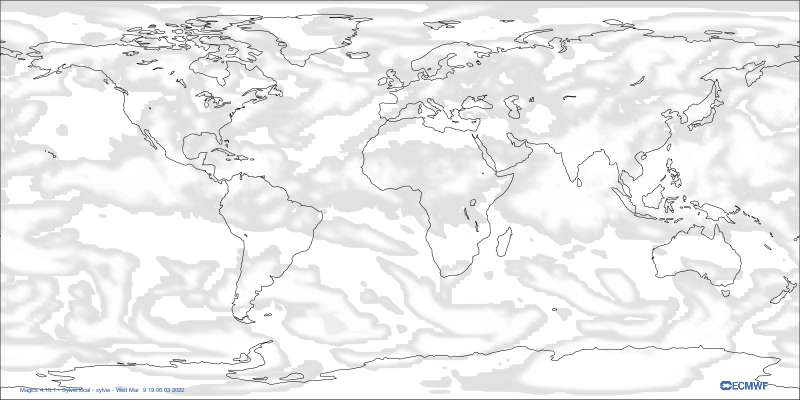
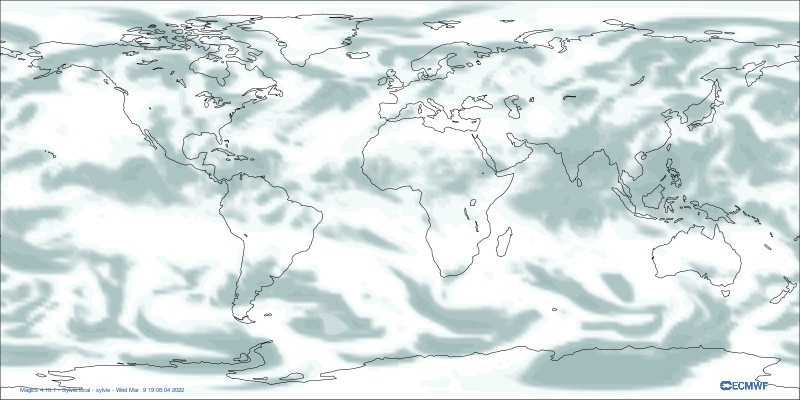
Contour shade (0-1, intervals in octas) [sh_blugry_f0t1lst]
Transparency white for sct and bkn (or ovc) clouds [tran_whi_f03t1lst]
from Magics import macro as magics

output = magics.output(output_formats = ['png'],
                output_name_first_page_number = "off",
                output_name = "hcc")


data =  magics.mgrib(grib_input_file_name = "hcc.grib")

contour = magics.mcont(contour_automatic_setting="style_name",
                        contour_style_name= "transparency_white",)

coastlines = magics.mcoast(map_grid = "off" )

magics.plot(output, data, contour, coastlines)

# sphinx_gallery_thumbnail_path = '_static/styles/hcc-transparency_white.png'
Total running time of the script: ( 0 minutes 0.000 seconds)